DTF printingon your Epson.
Drop your design into BlackBox RIP. It prepares the colour and white underbase for printing on film with your converted Epson.
Every feature · Windows 8.1 or later, 64-bit

Will it work with my Epson?
Profiles are available for these models. Your printer must already be prepared for DTF ink and film.
One print, two layers.
On black fabric, a white layer under the petals keeps the pink bright. The gaps around the leaves let the fabric show through. Switch layers to see where the white goes.
Download the artwork PNG ↓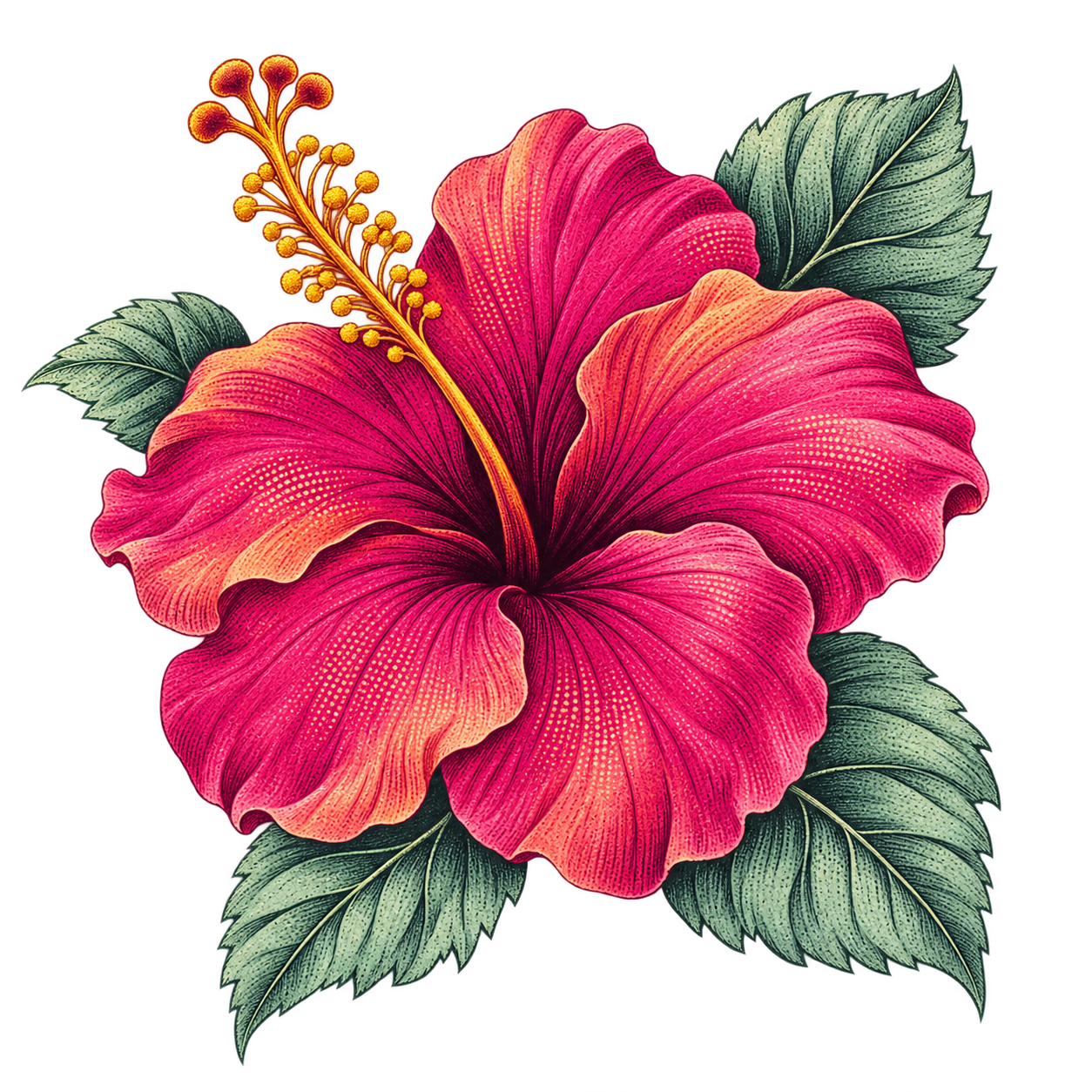
From file to film.
Drag a file into the BlackBox RIP window, or send it from Photoshop with the plugin installed: File → Export → BlackBox RIP.
- Prepare your designKeep the background transparent and choose the final print size.
- Print onto filmSelect your Epson profile and check color and white on a small sample.
- Transfer to fabricApply powder, cure and heat press following the instructions for your materials.

Good to know before your first print.
Will a stock Epson print DTF?
The profiles are for printers prepared for DTF ink and film. Check what was changed on your machine before you start.
Do I still need my Epson driver?
On the L18050, install the official driver from Epson for your operating system and region. Use that driver rather than the generic one Windows installs automatically. The RIP prepares color and white for film.
What does the free trial include?
You have 30 days to use all BlackBox RIP features, including printer profiles, white underbase and film printing. Download the Windows installer to get started.